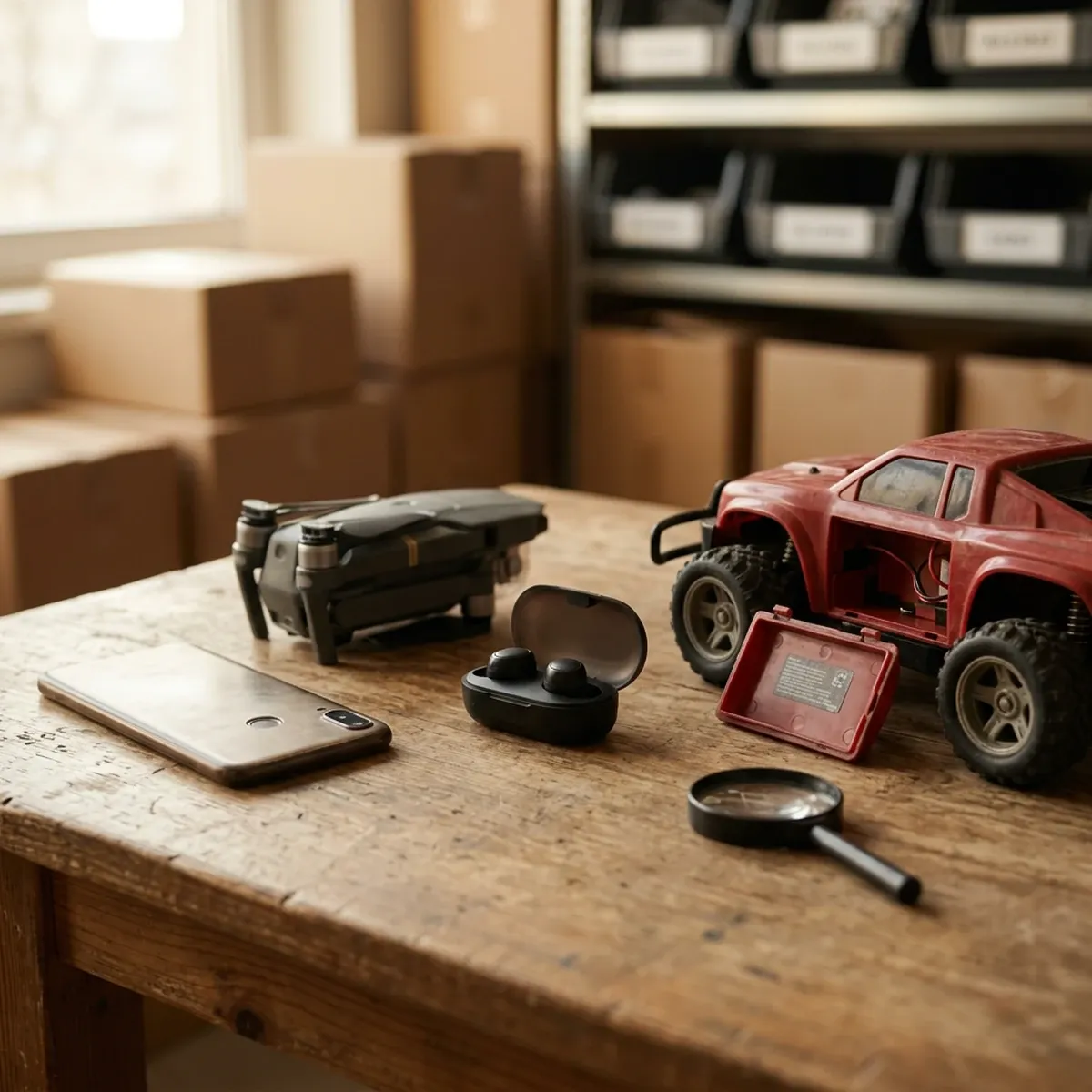
Starting Monday, October 13, eBay will hide some wireless device listings from US buyers unless they carry a valid FCC ID.[1][4] If you sell phones, laptops, tablets, drones, smartwatches, Bluetooth gear, or remote control toys, this touches your store this week.
The fix is usually small. The number is printed on the item, the box, or a settings screen, and eBay has added a field for it.[1] The trouble is that eBay's notice skips over questions sellers care about, like whether used items count. Here is what eBay has actually said, what the federal rule behind it says, and a simple way to get your listings ready before Monday.
What Changes on October 13
eBay's notice to affected sellers was short: "Starting October 13, 2026, you'll need to provide a valid FCC ID for applicable listings, or your listings will be hidden from buyers."[4]
An FCC ID is the code the Federal Communications Commission assigns to a wireless device when it certifies it. It is not the model number, the serial number, the UPC, or the IMEI, and eBay says none of those can stand in for it.[1]
eBay's Seller Center page spells out two consequences.[1]
- Hidden listings. A listing missing the ID "may be hidden from buyers in the US."
- Blocked edits. Depending on the product, you "may be unable to create, revise, relist, or publish the listing" until you add the ID.
That second one is easy to miss. A listing that is live today could get stuck the next time you try to edit or relist it. That matters in the fourth quarter, when a lot of sellers are swapping photos, rewriting descriptions, and relisting stale stock.
eBay also quietly added the FCC ID requirement to its Electronic equipment policy. That policy now says "Sellers must provide a valid FCC ID in the listing" and that the ID "must match the exact product being offered for sale."[2] At least one seller on the eBay Community forums noticed the policy had changed without any update posted to sellers.[6]
Which Items Need an FCC ID
The short version is anything that sends a wireless signal on purpose. That means Wi-Fi, Bluetooth, cellular, or another radio link.[1]
eBay's own list of examples is a good starting point for sorting your inventory:[1]
- Mobile phones, tablets, and laptops
- Routers and Bluetooth devices
- Drones and remote controlled toys
- Wireless cameras and smartwatches
- Two-way radios
Two details on that page will save you guesswork.
First, eBay says "a product's category isn't the only factor" that decides whether an ID is needed.[1] A wireless mouse in a computer accessories category can need one. A wired keyboard in the same category does not. Think about what the item does, not where it sits in the category tree.
Second, some products carry a label that says "Contains FCC ID." That usually means the device has a separately certified wireless module inside it. The same goes for an item that shows more than one FCC ID. eBay's advice for both cases: use the ID the manufacturer identifies for the finished product, from its labeling or documentation.[1]
The edge cases are where sellers are stuck right now. One seller on the eBay forums asked how to handle remote control toys made before 2000, where the information can be hard to track down. No eBay staff member had answered in that thread as of this writing.[7]
Where to Find the Number
For most items the number is somewhere you can see it. eBay lists the places to look:[1]
- A label on the product itself
- The packaging
- The user manual
- The device's regulatory or legal settings
- The manufacturer's documentation or website
Look for the words "FCC ID" followed by letters, numbers, and sometimes hyphens.[1]
Phones, tablets, and smartwatches often have no printed label at all. They show the ID on screen instead. eBay says to check settings sections named Legal, Regulatory, About, or Certifications.[1] Check it while you are already powering the device on to test it.
Once you have the number, check it. eBay points sellers to the FCC's Equipment Authorization database, where you can search the ID. Finding it there only proves the ID exists. You still need to make sure it belongs to the exact model you are selling.[1]
That last point is the one to take seriously. eBay is direct about it: don't use an ID from a similar model, a regional variation, or another seller's listing, and "don't assume that one FCC ID applies to an entire brand, product family, or model series."[1] Products that look alike can have different wireless modules, antennas, or regional configurations inside, and those differences can change the ID.[1] Copying a number from a lookalike listing is the fastest way to end up with a listing that gets pulled anyway.
eBay also says an FCC ID alone doesn't make an item eligible. A product can still be restricted if the ID belongs to a different product, if the item was modified from its authorized setup, or if the FCC later restricted that equipment.[1]
What About Used Items and Older Listings?
This is where eBay's message and the federal rule don't line up, and it is worth understanding before you spend a weekend on old inventory.
The requirement traces back to an FCC rule published in the Federal Register on September 11 and effective October 13, 2026.[3] Among other things, it requires online marketplaces to display a device's FCC ID where it is sold.[3]
The FCC rule itself carves out three kinds of listings from that display requirement:[3]
- Listings published before October 13, as long as they are not later amended, updated, or republished
- Listings from sellers who are not "high-volume" sellers as defined under the INFORM Consumers Act
- Listings for used devices, meaning items previously sold to a retail customer and marketed as used or otherwise not new
For context, the high-volume line is 200 or more sales and $5,000 or more in revenue over a 12-month period.[4] The FCC also gave marketplaces until 2027 to comply with the display rule. Marketplaces that sell third-party items without ever handling them have until June 1, 2027.[3]
eBay's notice, its Seller Center page, and its policy page mention none of those exceptions.[1][2][4]
eBay has not said publicly whether its hiding rule will spare used items or smaller sellers.[4][5] Value Added Resource reported that one seller was told by eBay support that used items would be exempt, but eBay has not put that in writing.[4]
So you are dealing with two different things. One is what the federal rule requires of the marketplace. The other is what eBay decides to enforce on its own site, starting Monday. eBay runs its own listing rules, and it is moving earlier and, on paper, wider than the federal rule requires.
For your store, eBay's version is the one that decides whether a buyer sees your listing. This post is about getting your listings through eBay's checks, not about what the law requires of you. If you have a compliance question about your business, ask a professional who handles that.
The practical takeaway: don't assume "used" gets you a pass on eBay. If an item has a findable FCC ID, adding it now is cheaper than finding out the hard way that a listing went quiet.
A Weekend Plan Before Monday
You don't need to touch every listing. Here is a sensible order of work.
1. Start with new listings. Anything you list from today on, add the FCC ID while the item is still in your hands. Make the regulatory label part of your standard photo set, the same way you shoot a tag or a serial plate.
2. Pull a list of your wireless inventory. Filter your active listings by the categories where wireless items live: cell phones, tablets, laptops, networking, drones, smartwatches, headphones, and RC toys. That is your working list.
3. Do the items you plan to edit soon. Since eBay may block revise and relist until the ID is there, prioritize listings you expect to mark down, rephotograph, or relist this quarter.[1] The FCC rule treats changes to a listing's description, photos, or specifics as an update, while a price change does not count. eBay's own system decides when it prompts you, though.[1][3]
4. Then do your best sellers. A hidden listing costs you the most when it is one of your expensive items. Work down your list by price.
5. Flag what you can't confirm. If the label is gone, the device won't power on, and the manufacturer can't help, eBay says you may not be able to sell that item to US buyers.[1] Don't guess. Set those aside and decide later whether they are worth the trouble.
Sellers on the eBay forums are already at it. One said they had fixed most of their listings and expected to have missed a few.[7] Another argued that eBay was asking sellers for information the FCC rule had exempted.[7] Expect some rough edges in the first weeks, and keep an eye on your listing status and messages from eBay after Monday.
How ListForge Helps With Item Specifics Like This
An FCC ID is one more item specific, and item specifics are where ListForge already does a lot of the tedious work. The goal is not to guess the number for you. It is to make the number easy to capture, easy to check, and easy to add to listings that are already live.
Here is what that looks like today:
- It reads your photos. When ListForge researches an item, the mobile app shows a "Read from your photos" panel with the text it picked up off your pictures, like model numbers and printed codes. Shoot the regulatory label with the rest of your photos and you can check what was read against the label before you list.
- The specifics come from eBay. The item specifics list for each listing is pulled from eBay for that category, split into required and recommended fields, with a count of how many you have filled. You see what eBay asks for in that category, and publishing is blocked while a required one is empty.
- You can check before you publish. In the web app, every item specific is visible and editable on the listing before it goes to eBay, so you can fix a number you are not sure about.
- Live listings are editable in place. For listings already on eBay, the web app has a live listing editor with an Item Specifics section, so you can fill in a missing specific without opening each listing on eBay. If the FCC ID field does not show up for a listing's category, add it on eBay directly.
- Refusals come with a way out. If eBay rejects a publish because a specific is missing or a value is wrong, ListForge names the field and gives you a button that jumps straight to it.
FCC IDs are the kind of detail that is easy to skip on a busy listing day and expensive to miss after Monday. If you want photos, specifics, and live edits in one place, try ListForge free at list-forge.ai.
Sources
[1] https://www.ebay.com/sellercenter/resources/fcc-id - eBay Seller Center: FCC ID [2] https://www.ebay.com/help/policies/prohibited-restricted-items/electronic-equipment-policy?id=4302 - eBay Help: Electronic equipment policy [3] https://www.govinfo.gov/content/pkg/FR-2026-09-11/pdf/2026-18535.pdf - Federal Register, September 11, 2026: FCC final rule on equipment authorization and online marketplaces (FCC 26-50) [4] https://www.valueaddedresource.net/ebay-fcc-id - Value Added Resource: eBay Warns Listings Without Required FCC IDs May Be Hidden October 13 [5] https://www.shopifreaks.com/ebay-will-hide-us-listings-for-phones-laptops-drones-and-other-wireless-devices-that-lack-a-valid-fcc-id-starting-october-13 - Shopifreaks: eBay will hide US listings for wireless devices that lack a valid FCC ID starting October 13 [6] https://community.ebay.com/forum/selling-57920/topic/fcc-id-clarification-for-used-listings-485019 - eBay Community: FCC ID Clarification For Used Listings? [7] https://community.ebay.com/forum/selling-57920/topic/fcc-id-for-pre-2000-remote-control-toys-484945 - eBay Community: FCC Id for Pre 2000 Remote Control Toys?